
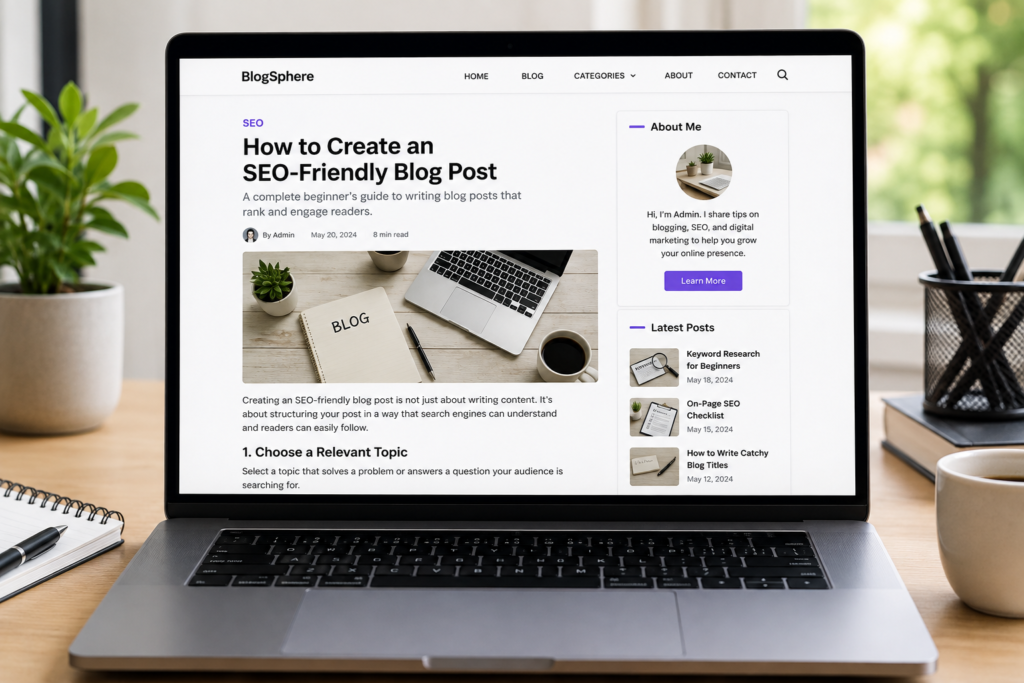
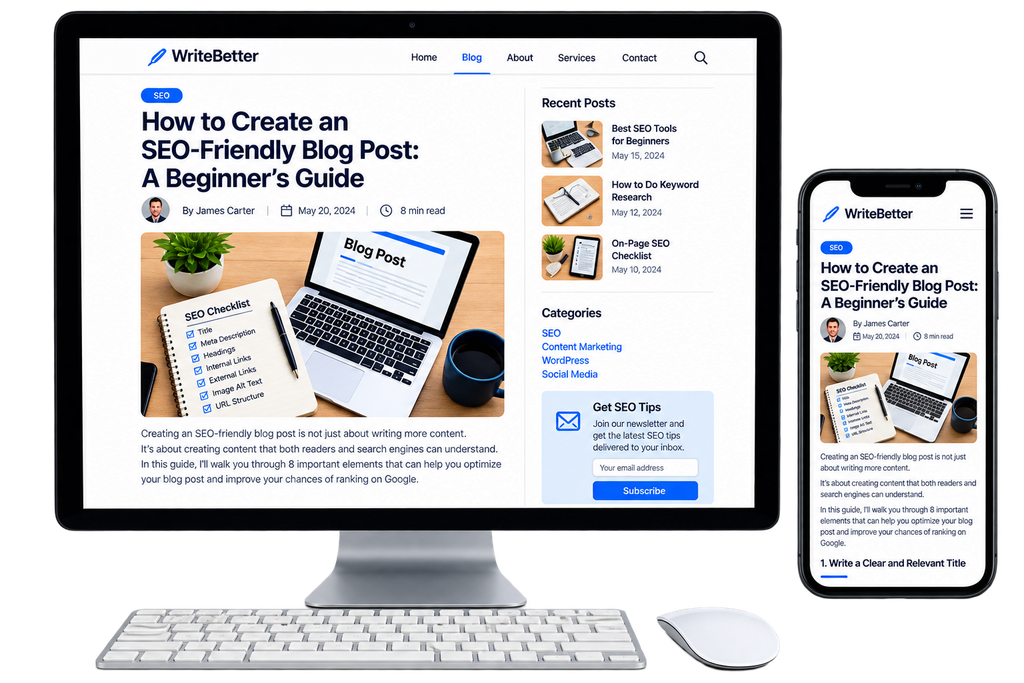
Creating an SEO-friendly blog post is not just about writing an article and adding a few keywords. A good blog post should be useful to readers, easy to read, and structured clearly so that search engines can understand what the page is about.
When I first started learning SEO, I thought ranking on Google was mainly about using the right keywords. Over time, I realized that there is much more to it. A successful blog post also needs a clear title, useful description, proper headings, readable formatting, a simple URL, relevant links, and descriptive image alt text. In this beginner’s guide, we’ll explore eight important elements that can help you create content that is useful for readers and easy for search engines to understand.
1. Write a Clear Title for an SEO-Friendly Blog Post
An SEO-friendly blog post starts with a clear and relevant title that catches the reader’s attention. It should give people a quick idea of what the article is about and what they can expect to learn. If your focus keyword fits naturally in the title, using it can also make the topic clearer.
For example:
How to Create an SEO-Friendly Blog Post: A Beginner’s Guide
A good title should be;
- Clear
- Relevant
- Specific
- Easy to understand
- Related to the actual content
2. Create a Useful Meta Description
A meta description is a short summary of a web page that may appear underneath the title in search results. For this article, a suitable meta description would be: Learn how to create an SEO-friendly blog post using the right title, headings, keywords, links, URLs, formatting, and image alt text.
The main topic is included naturally, but the description is still written for people. A useful meta description should give readers a quick idea of what they can expect from the page.
It should be:
- Relevant to the article
- Clear and easy to understand
- Concise
- Written naturally
Keep in mind that search engines may sometimes display a different snippet from your page instead of the exact meta description you provide.
3. Use Proper Headings in Your SEO-Friendly Blog Post
Headings make a long article easier to read and understand. Your main page title is normally the H1. The sections underneath it can use H2 headings, while H3 headings can be used for subsections.
For example:
H1: How to Create an SEO-Friendly Blog Post
H2: Write a Clear and Relevant Title
H2: Create a Useful Meta Description
H2: Organize Your Content With Proper Headings
H3: Use Sub headings When Necessary
You don’t need to use every heading level from H1 to H6. Use the levels that make sense for the structure of your article.
When I started practicing website design, I initially thought headings were mainly useful for changing the size of text. Later, I understood that headings are actually useful for organizing information and making content easier to scan.
4. Use Bold and Italic Formatting Carefully
Good formatting makes your article easier to scan. You can use bold text to highlight important ideas, definitions, or key points. You can use italic text for occasional emphasis.
For example:
Good SEO starts with useful content.
Write naturally for your readers. However, avoid making large amounts of text bold or italic. If everything is highlighted, nothing stands out. Formatting should improve readability, not be used simply to insert keywords repeatedly.
A well-formatted article should feel comfortable to read rather than looking like a collection of highlighted words.
5. Maintain a Clear and Reader-Friendly Content Style
An SEO-friendly blog post should be clear and easy for readers to understand. Including the right SEO elements is important, but complicated writing can make people lose interest. Keep the content simple with short paragraphs, clear sentences, and helpful examples that explain your ideas.
Try to avoid:
- Complicated sentences
- Unnecessary jargon
- Very long paragraphs
- Keyword stuffing
When I started writing content, I noticed that it was tempting to use complicated words because they sounded more professional. But while practicing, I learned that simple and clear writing is often much easier for readers to understand.
Think about your target reader before writing. If someone completely new to SEO reads your article, will they understand it? If not, simplify the explanation.
6. Create a Short and Descriptive URL
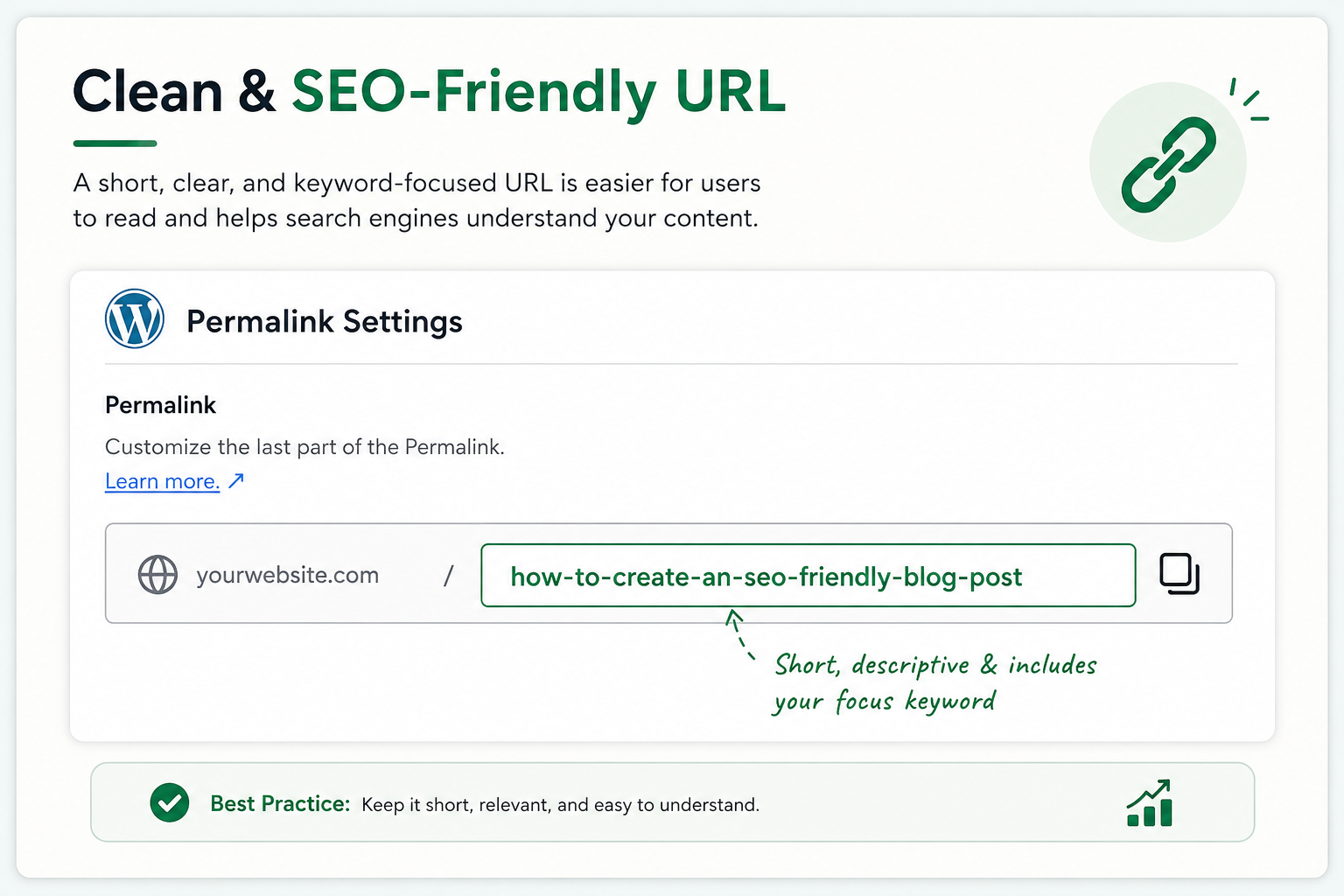
Your URL should be easy to read and should give users an idea of what the page is about.
For this article, a suitable URL would be:
/seo-friendly-blog-post/
This URL is short, descriptive, and contains the main topic of the article. Avoid unnecessary numbers, symbols, or complicated URL structures when they aren’t needed.
For example, this is less descriptive:
/page?id=2847
A cleaner URL makes the topic of the page easier to understand. If your website uses WordPress, you can usually edit the permalink before publishing the post.
7.Add Relevant Internal and External Links
Links help connect useful information across the web.
Internal Links
An internal link connects one page on your website to another page on the same website.
For example, if you have another article called What Is Keyword Research?, you can link to it when discussing how to choose a focus keyword. Internal links can help visitors discover related content and help search engines understand the relationship between pages on your website.
External Links
An external link takes visitors from your website to another website.
When writing about SEO, you may link to reliable sources such as official Google resources when they provide useful additional information. The goal isn’t to add as many links as possible.
Add a link when it provides value to the reader. Use descriptive anchor text whenever possible.
Instead of: Click here , you could use: learn more about keyword research . This tells readers what they can expect when they click the link.
8. Add Descriptive Alt Text to Images
Images can make a blog post more interesting, but search engines cannot understand an image in exactly the same way a person does. That’s why providing useful text information about images is important. One of the most important image attributes to understand is alt text, also called alternative text.
For example, if your image shows a blog post structure, suitable alt text could be:
“Example of an SEO-friendly blog post structure showing headings and content sections”
Avoid writing alt text like:
“SEO , SEO blog post , SEO keyword , SEO-friendly blog.” That doesn’t describe the image naturally. Alt text should describe the image accurately when the image conveys meaningful information.
Also consider:
- Using descriptive image file names
- Choosing relevant images
- Optimizing unnecessarily large image files
- Adding captions when useful
- Providing important information in text rather than relying only on images
When I started learning website design, I mostly focused on how an image looked on the page. As I learned more about SEO, I realized that images also need useful context
A Simple Pre-Publishing Checklist for SEO friendly blog
Before you click Publish, read through your article one more time.
Ask yourself:
- Does my title clearly explain the topic?
- Is my main topic introduced naturally near the beginning?
- Is my H1 clear?
- Are my H2 and H3 headings organized properly?
- Have I avoided unnecessary keyword repetition?
- Is the content easy to read?
- Have I used bold and italic appropriately?
- Is my URL short and descriptive?
- Have I added useful internal links?
- Have I added external links where appropriate?
- Are my images relevant?
- Does each meaningful image have suitable alt text?
- Does the article provide genuinely useful information?
Most importantly, read the article as a reader, not just as someone checking SEO settings.
Why Is SEO Important for Blog Posts?
Writing a good article is important, but people need to be able to find it first. SEO helps search engines understand the topic of your content and decide when it may be relevant to a search.
Good SEO can also improve the experience for your visitors. Clear headings make an article easier to scan, descriptive links tell readers where they are going, and a simple structure helps them find information quickly.
Think of SEO as a way of helping your content reach the right people. It supports your writing rather than replacing it.
Final Thoughts on SEO-Friendly Blog Post
Creating an SEO-friendly blog post is not about finding a secret formula that guarantees the first position on Google. SEO involves many different factors, and no single checklist can guarantee a particular ranking. The better approach is to create original, useful, well-structured content and then optimize it so that both readers and search engines can understand it.
Start with a clear title and description. Organize your article with proper headings. Use bold and italic formatting carefully, create a clean URL, add useful internal and external links, and provide descriptive alt text for meaningful images. But above all, don’t write only for search engines.
Create something genuinely useful for the person who is searching. As I continue learning and practicing SEO, that’s one of the most important lessons I’ve learned: good content comes first, and SEO should support it. Write for people first. Optimize for search second.
Write for people first. Optimize for search second.